Peer feedback
In Portflow you can gather feedback not only from teachers, but also from fellow students. When you use Portflow for this, it is important to be aware of the risks. For example, decide carefully whether you will ask for feedback via Portflow. Once you have made that choice, share a collection with the fellow student. Decide carefully how long and what you will share with this fellow student.
Feedback via Portflow
When you plan to ask fellow students for feedback on your work, you can do this in different ways.
One consideration is whether the fellow student really needs access so they can confirm that you wrote the feedback down correctly, or whether it is enough if you note the feedback yourself in a report or note.
A reason for this consideration is that you must give this fellow student (partial) access to your portfolio.
Share a collection
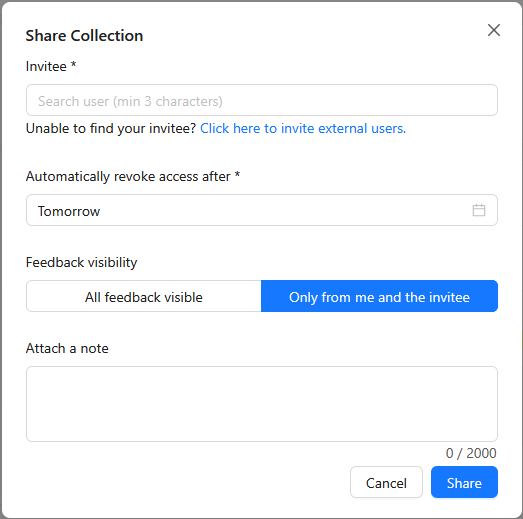
To receive feedback from fellow students you need to share a collection with that fellow student; the evidence item you want feedback on must be in that collection. Never share your entire portfolio with fellow students.
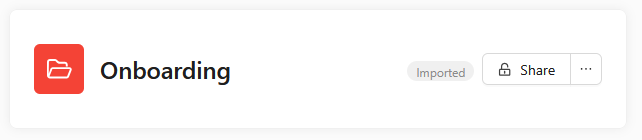
From a collection you can click the 'Share' button; this opens a dialogue where you need to make a number of important choices.