
Terminology in Portflow
Portflow uses a number of terms that are important to understand before you get started. These terms help you better understand the structure and functionality of Portflow.
What is explained on this page is specific to HBO-ICT. For example, Collections are used to organise evidence. Code, reports and other materials you work on are referred to as Evidence . You then link this evidence to learning outcomes, which in Portflow are called Goals . Each goal has Sub-goals , which are the success criteria. Sometimes you receive an assessment on your evidence and goals; this is done through a Progress Review . At the end of a semester you submit a snapshot of your portfolio for the assessment committee of a course; this is a Snapshot in Portflow.
Collections
A collection is comparable to a folder on your computer. Such a collection consists of evidence items that you link to learning outcomes (goals). At ICT we organise collections based on theme, for example per project.
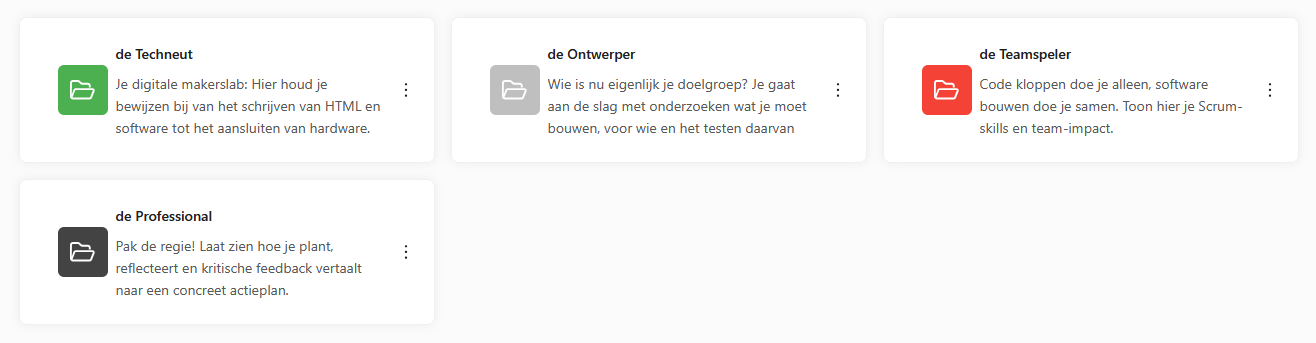

When you add evidence, choose the collection that best fits that evidence item. Made the wrong choice? You can always change it later.
Evidence
With your portfolio you collect evidence of your work. This can be code files, reports, presentations or other materials you work on. You store these as 'evidence' in Portflow. You can keep multiple versions of an evidence item, so you can always look back at earlier versions of your work. You link evidence to collections and goals (learning outcomes).
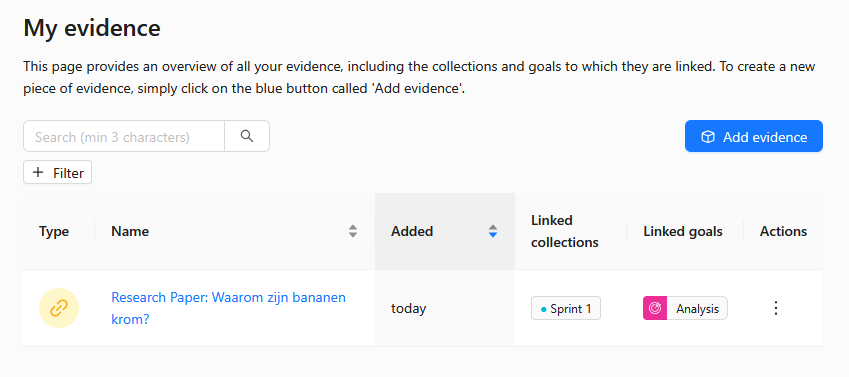
Name your evidence items in a 'timeless' / 'version-independent' way. That means choosing 'Research report on x' rather than 'Research report on x - version 1.0'.
Goals
You link the evidence you work on to goals. These goals are learning outcomes you need to achieve for the course you are working on. When you import a template into Portflow, you immediately get a set of goals that you can use. You do not need to create new goals yourself.
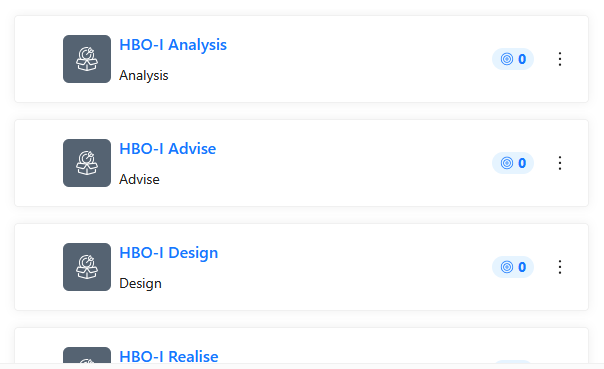
You can link an evidence item to multiple goals. Always think carefully about which goals you link to an evidence item.
Sub-goals
Each goal (learning outcome) has multiple sub-goals. In Portflow these are the success criteria: concrete, observable things you demonstrate when you have mastered the learning outcome. Use the sub-goals to understand what you are working towards and which evidence fits.
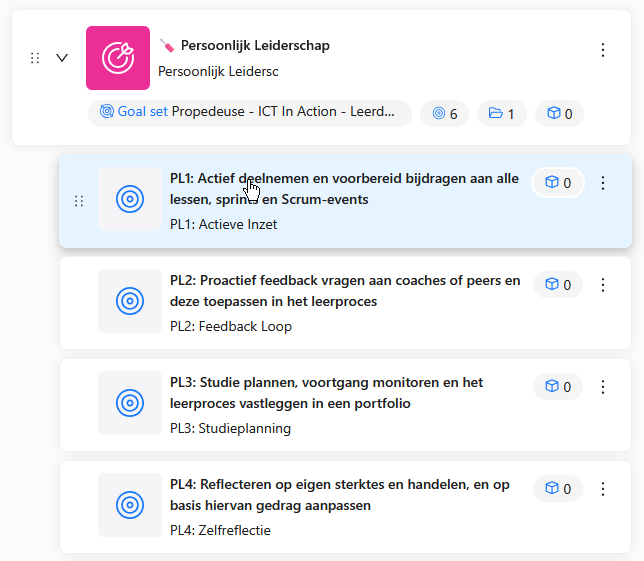
Every time you receive feedback on a product, link that feedback to the corresponding sub-goal(s). Only choose the sub-goals that best fit the feedback.
Progress Review
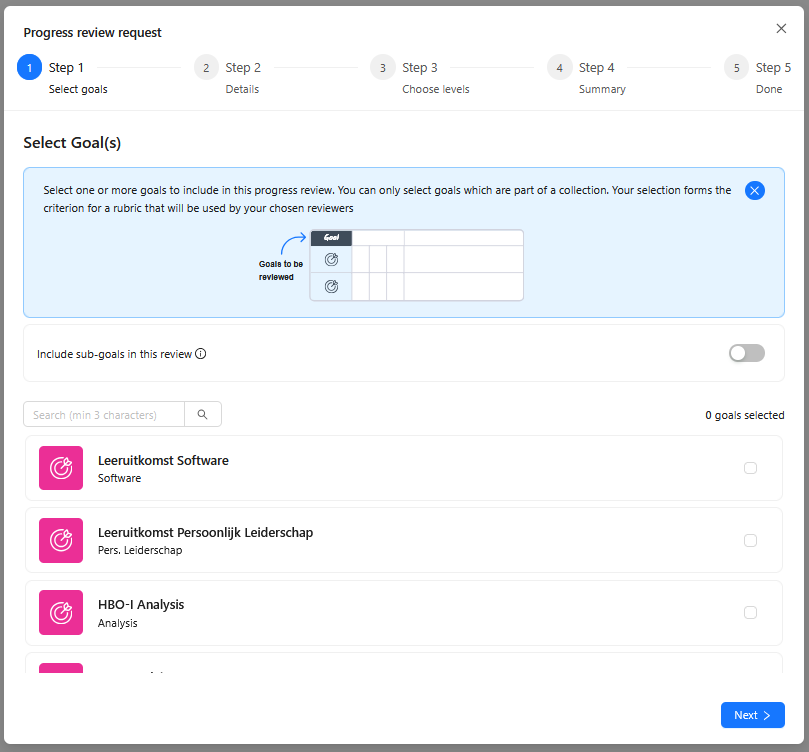
While working on your portfolio you mainly collect evidence and receive feedback on it. At certain moments you will also receive an assessment of your evidence and goals. In Portflow this happens through a 'Progress Review'. You will find this option under the 'Goals & Progress' tab.
Snapshot
To eventually receive a grade, an assessment committee will look at your portfolio. To make this possible, you submit a 'Snapshot' of your portfolio. In such a snapshot you decide which parts you want to show.
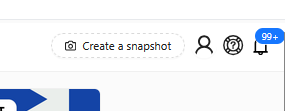
You submit a snapshot within the course itself: navigate to the course and then click 'Assignments'. Follow your teacher's instructions to submit your snapshot.